Age Verification
Kindroid's Terms of Service require all users to be 18 or older to use the platform from day one. We use a layered approach to age verification designed to protect minors while keeping the experience easy for adult users.
Paid Users#
If you have an active subscription, whether through the App Store, Google Play, or web billing, your payment on file serves as your age verification. No additional steps are required and no further checks are applied to your account. Once a user becomes paid, they are verified and will not need re-verification even if their subscription lapses.
Subscription time you receive as a gift, such as from a friend's gift code, does not count as age verification.
Free Users#
New accounts start with a limited free preview (see Subscriptions for details). To keep chatting after the preview ends, you'll need to start a trial or subscription, which also verifies your age.
Accounts that haven't verified their age, including accounts using subscription time from a gift code, may be checked by our behavioral age estimation system. This system runs passively in the background and analyzes interactions to estimate whether an account is likely to belong to someone under 18. It uses the same infrastructure that powers our existing safety and content moderation systems, which have proven to be highly effective and outlined in our Moderation Guidelines document.
Most free users will never encounter any verification prompt. The system only surfaces when it identifies signals consistent with a minor.
What Happens If You're Flagged#
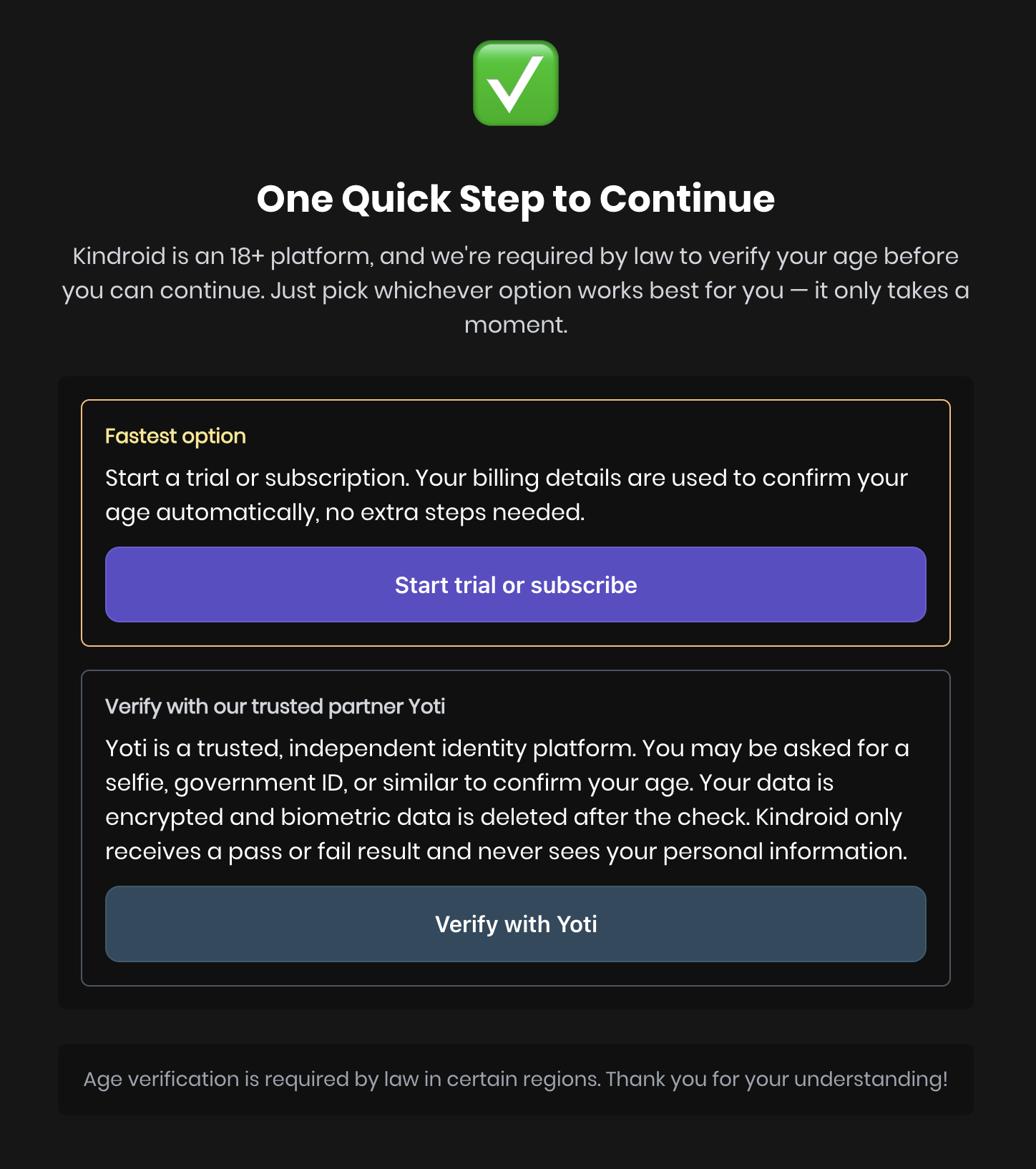
If our system estimates that an account may belong to someone under 18, you will be asked to verify your age before continuing. Until you verify, the app shows only the age verification screen. You will have two options:
- Subscribe to Kindroid. Starting a subscription (or a trial, if your account still qualifies for one) serves as age verification from billing information we collect at checkout. No additional information is needed beyond standard billing details.
- Verify with Yoti. Yoti is a trusted third-party age verification provider. You can verify using a quick selfie-based age estimation or by uploading a government-issued ID. The selfie check passes if Yoti estimates you are 21 or older, so if you're 18 to 20, or the selfie check doesn't pass, verify with your ID instead. Yoti processes your information independently. Your data is encrypted, and biometric data is deleted after the check. Kindroid only receives a pass or fail result and does not receive or store any images or identity documents.
If you are 18 or older, either path takes under a minute. Once verified, you will not be asked again.
You can start Yoti verification up to 5 times in a 24-hour period. If you reach that limit, try again later or verify by subscribing instead.
Why We Do This#
Age verification laws are expanding rapidly across the world. These laws require platforms like Kindroid to take meaningful steps to prevent minors from accessing age-restricted content. Our platform has always been built for adults only, and enforcing our Terms to keep out minors serves to protect the platform for the vast majority of our adult users.
Our approach is modeled on industry best practices, including the behavioral age prediction systems used by other major AI platforms. We designed our system around these principles:
- Minimum friction for adults. Paid users are verified automatically. Most free users will never see a verification prompt.
- Privacy by design. We do not collect or store identity documents. Behavioral analysis runs on infrastructure we already operate for safety purposes. Yoti deletes biometric data after the check, and Kindroid only receives a pass or fail result.
If You Have Questions#
If you believe you were flagged in error, completing either verification path will restore full access to your account. If you experience any issues with the verification process, contact our support team through the Contact support form at the bottom of the help center or [email protected], but please note we are only able to accept the above forms of age verification in app and cannot unlock the account from age verification materials submitted through email.